
Cut CAM
The Cut CAM page of the Settings dialog provides the basic set of settings for laser CAM.
Finishing rules
For details on this section, please see the Finishing rules page.
Microjoint Settings
-
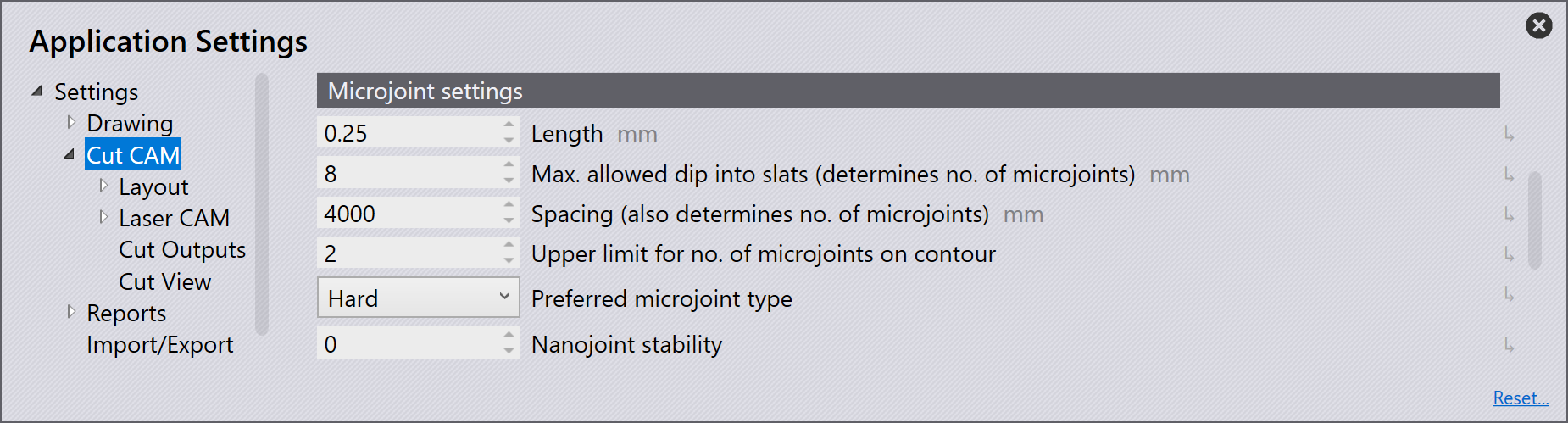
Length - Enter the size of the microjoint.
-
Max. allowed dip into slats (determines no. of microjoints) - This is the maximum distance the microjoint is allowed to dip into slats on a contour.
-
Spacing (also determines no. of microjoints) - This setting along with the above setting, determines number of microjoints. Of the two methods, one with the higher microjoint count will be used.
-
Upper limit for no. of microjoints on contour - The maximum number of microjoints allowed on the contour.
-
Preferred microjoint type:
-
Hard - Hard coded microjoint that cannot be modified on the machine.
-
Soft - Microjoint that can be modified on the machine.
-
Nano - An alternative to usual microjoint, where no approach is required. Possible only on large contours. Commonly used in twinline processing.
-
-
Nanojoints stability - Controls the stability for nanojoints.
Nanojoints are a better alternative to usual microjoint when using thin delicate sheets. By default Flux chooses the most applicable microjoint type. You can change this manually in Microjoint settings page.
Sequence ordering
-
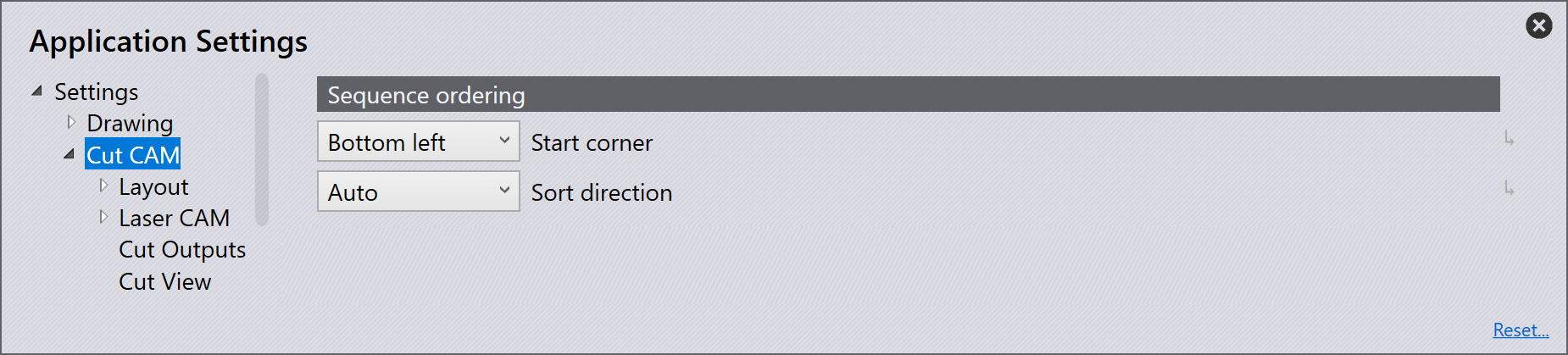
Start corner is the start corner of the tooling. The start corner choices are bottom left, bottom right, top left and top right.
-
Sort direction is the sequencing of the parts on the sheet.
-
Auto - Automatically sorts the parts by choosing the direction with the shortest distance.
-
X First - Sorts the parts in the X direction first.
-
Y First - Sorts the parts in the Y direction first.
-
Staggered - Sequencing is done such that the next part has a maximum distance to the recently cut part to address heat dissipation.
-
Other settings
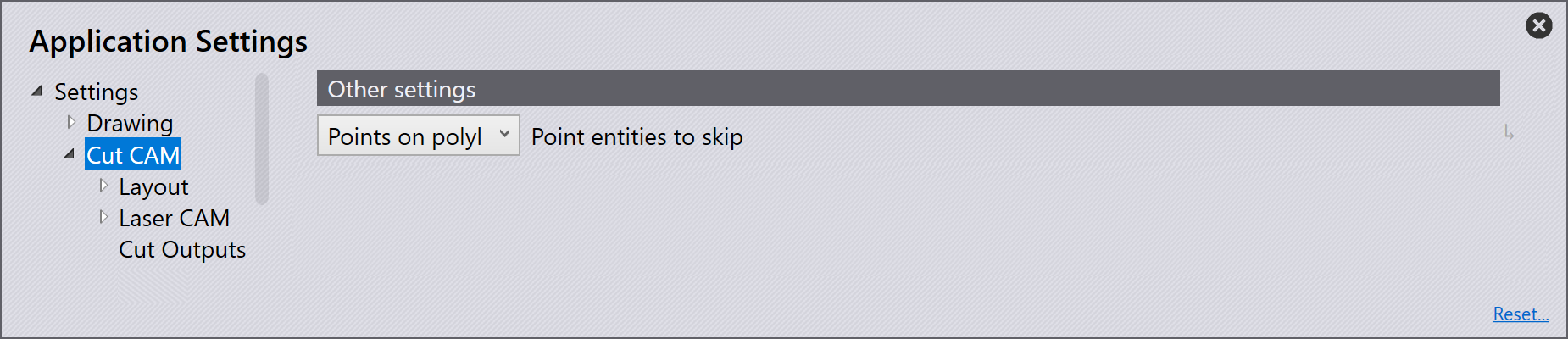
This option is whether the points should be processed or skipped when importing.
None - Imports all points.
Points on polylines - Skips points on polylines.
All - Skips all points on import.
Pre-cutting
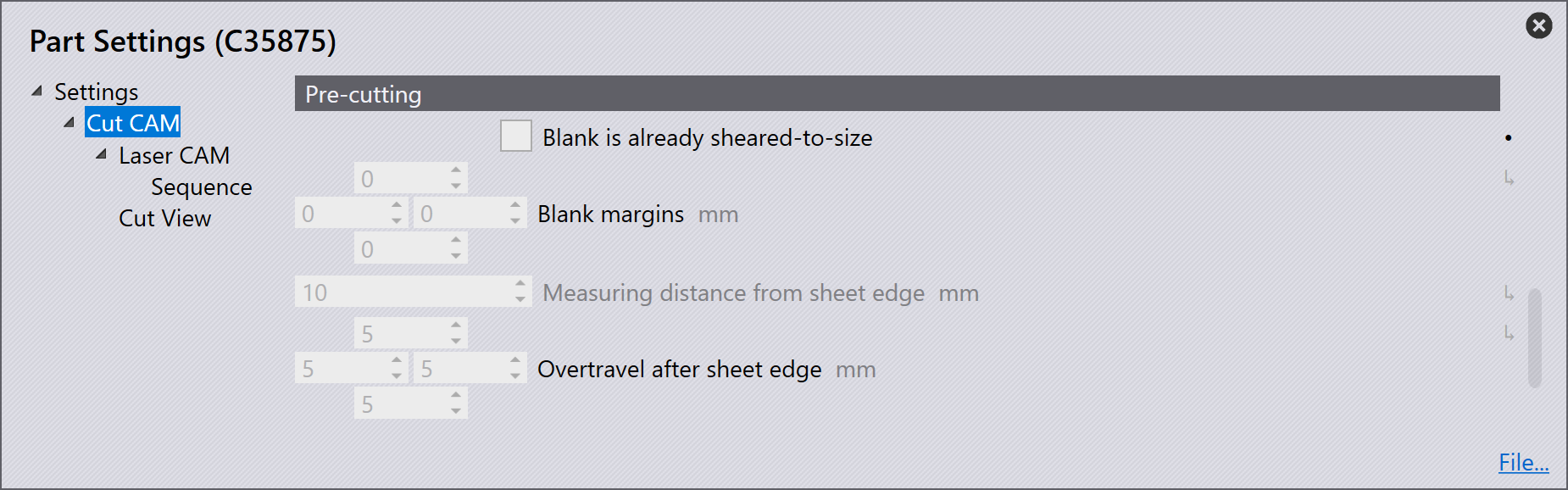
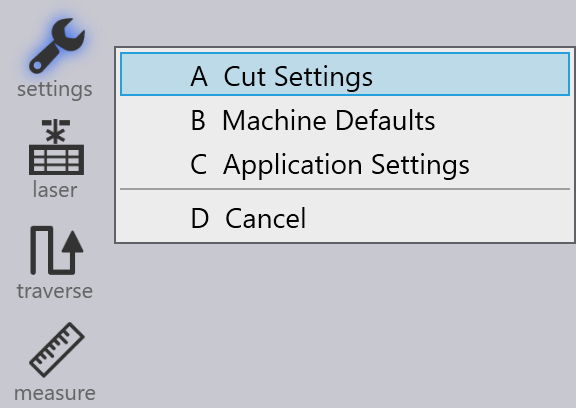
Pre-cutting setting is available in Settings / Cut settings / Cut CAM.
-
Blank is already sheared-to-size - This option will be enabled when the sheet is already cut to the correct size.
-
Blank margins - This option is to input a margin to be cut to the edge of the blank.
-
Measuring distance from sheet edge - Distance from the sheet edge the pre-cutting should begin.
-
Overtravel after sheet edge - This is the overtravel distance allowed from the sheet edge.