
Materials
Flux come with default materials that can be assigned to parts while processing them for sheet metal processing. To access the materials, go to database and select Materials.
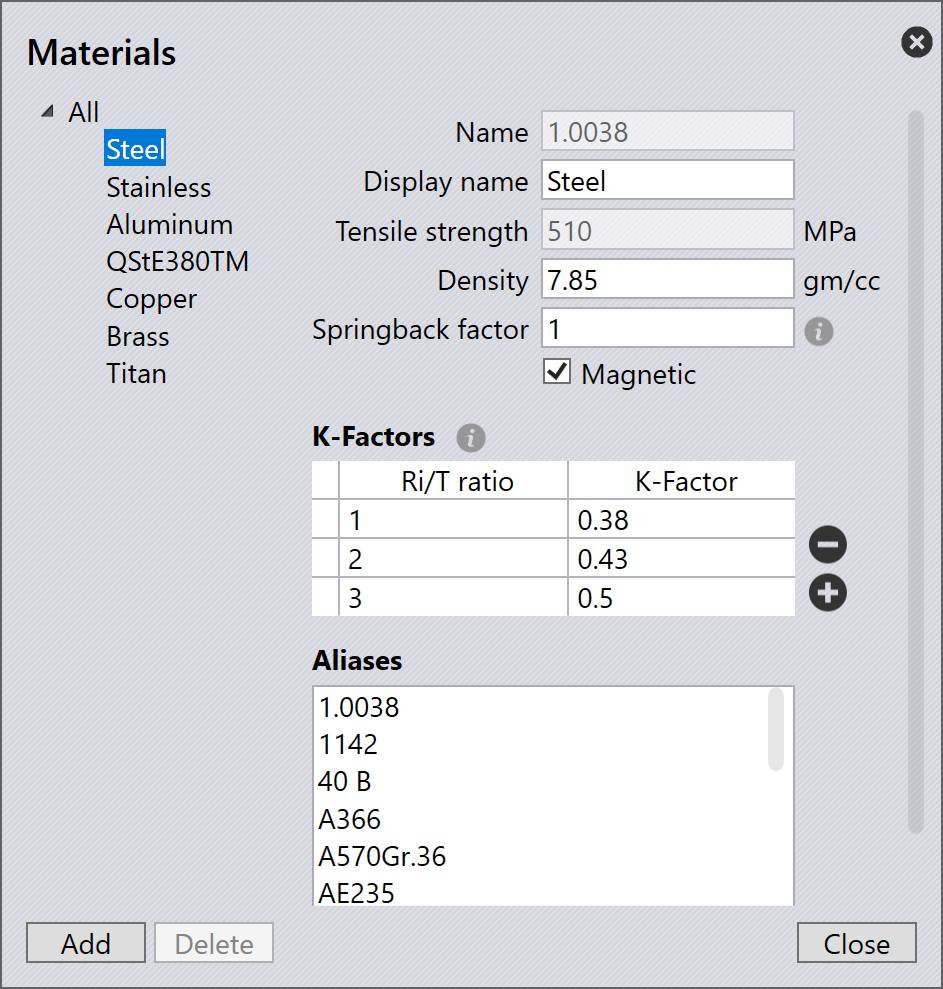
You can also create your own materials with specific properties.
-
To add a new material, click on the Add button.
-
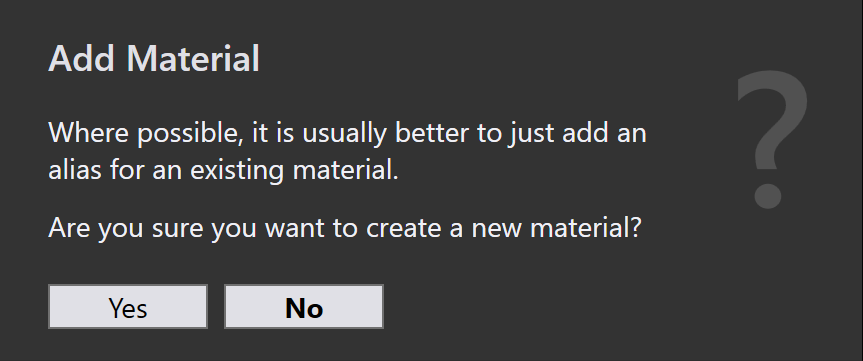
A message will appear prompting you to add an alias for an existing.
-
-
If you wish to create a new material, click Yes and fill in the properties for the new material.
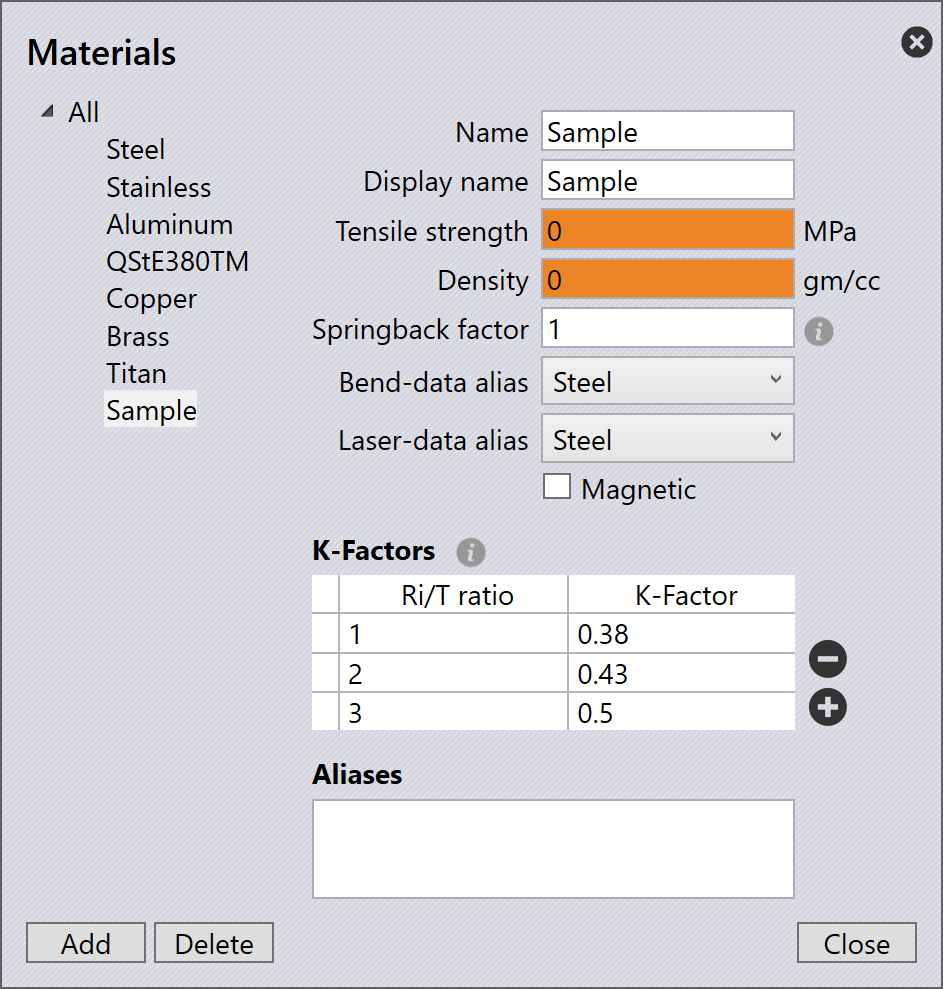
| Property | Description |
|---|---|
Name |
The designation of the new material. |
Display name |
The new material is displayed under this name. |
Tensile strength |
This function is used to specify the tensile strength of the new material. |
Density |
This function is used to specify the density of the new material. |
Springback factor |
This function is used to specify the spring-back of the new material. |
Magnetic |
This function is used to set whether the new material is magnetic. |
K-Factors |
This function is used to add or delete correction factors 'k' for the new material. |
Ri/T ratio |
This function is used to specify the inner radius to sheet thickness ratio for the new material. |
Aliases |
The new material is also known under this name. |