Bend view
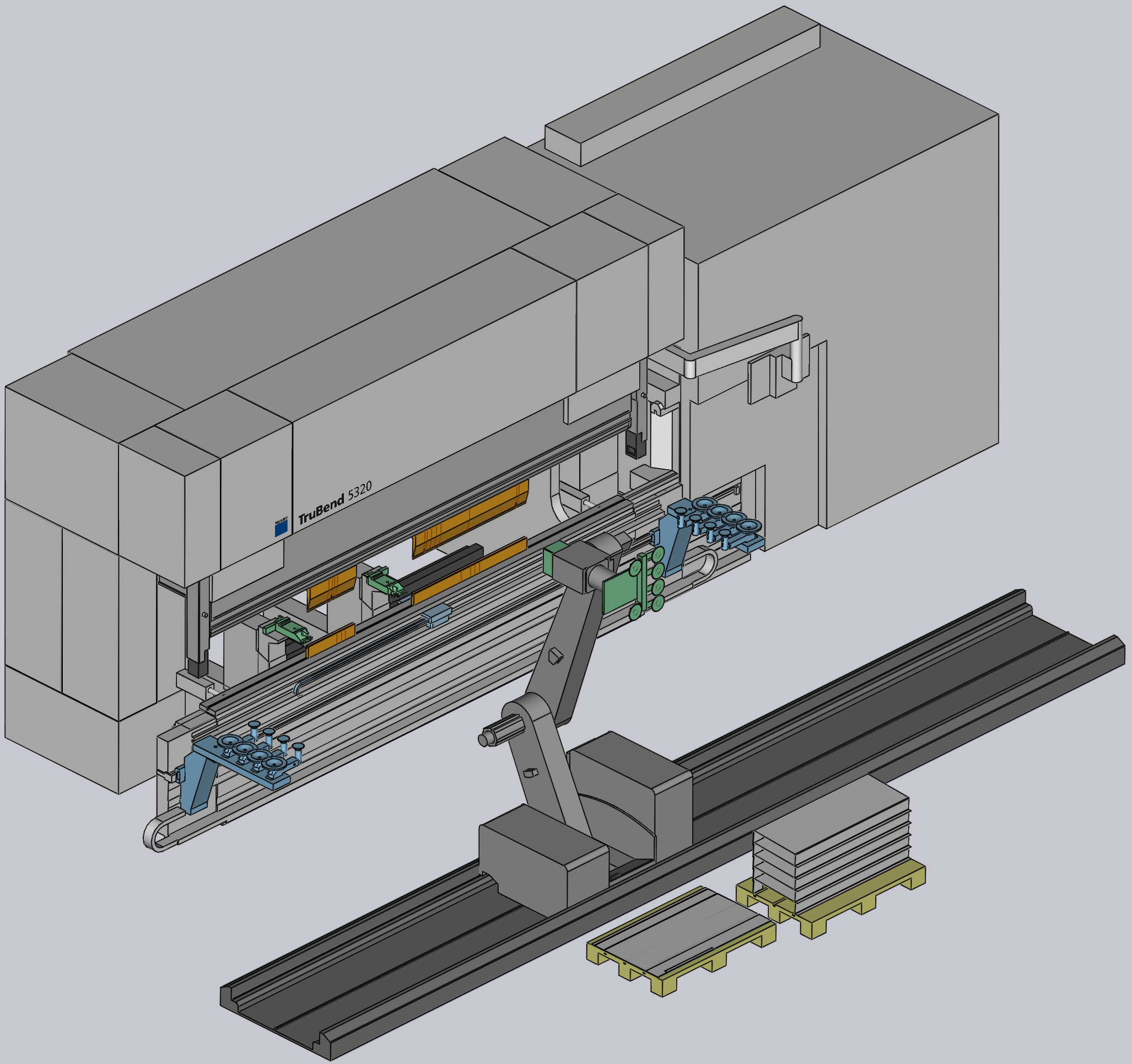
Bend View shows an overview of the selected machine (press brake or panel bender) in 3-D view. Below image shows a press brake (TruBend 5320) along with BendMaster.
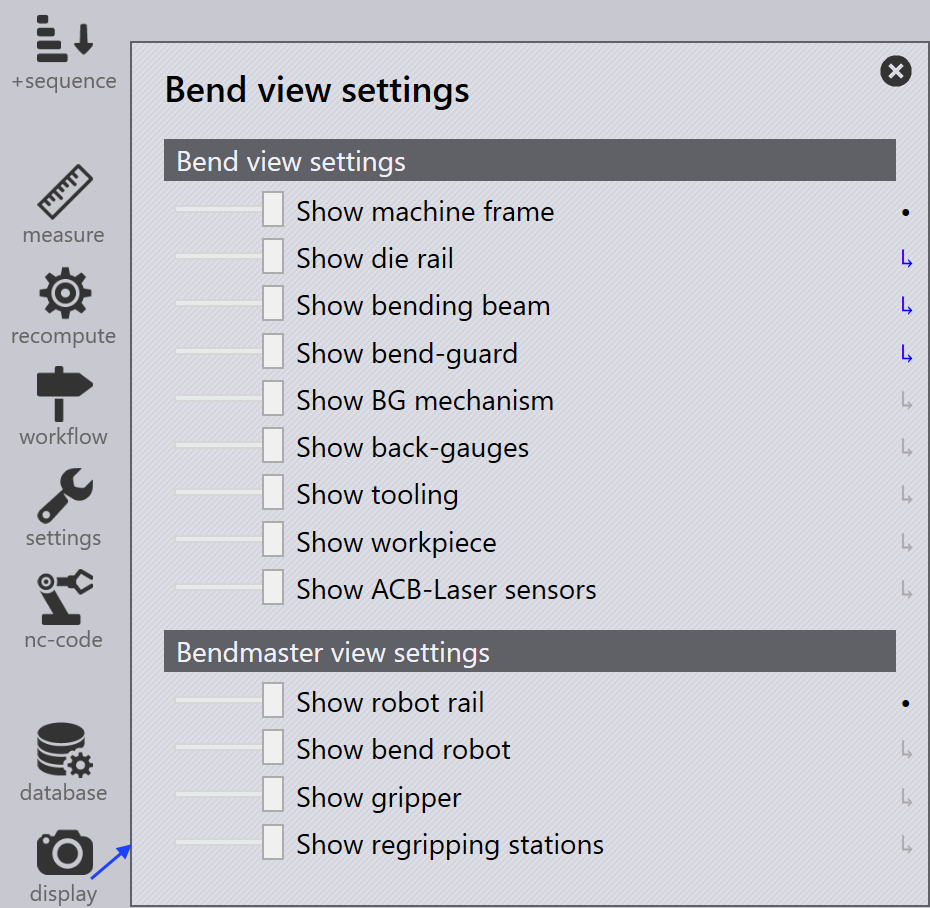
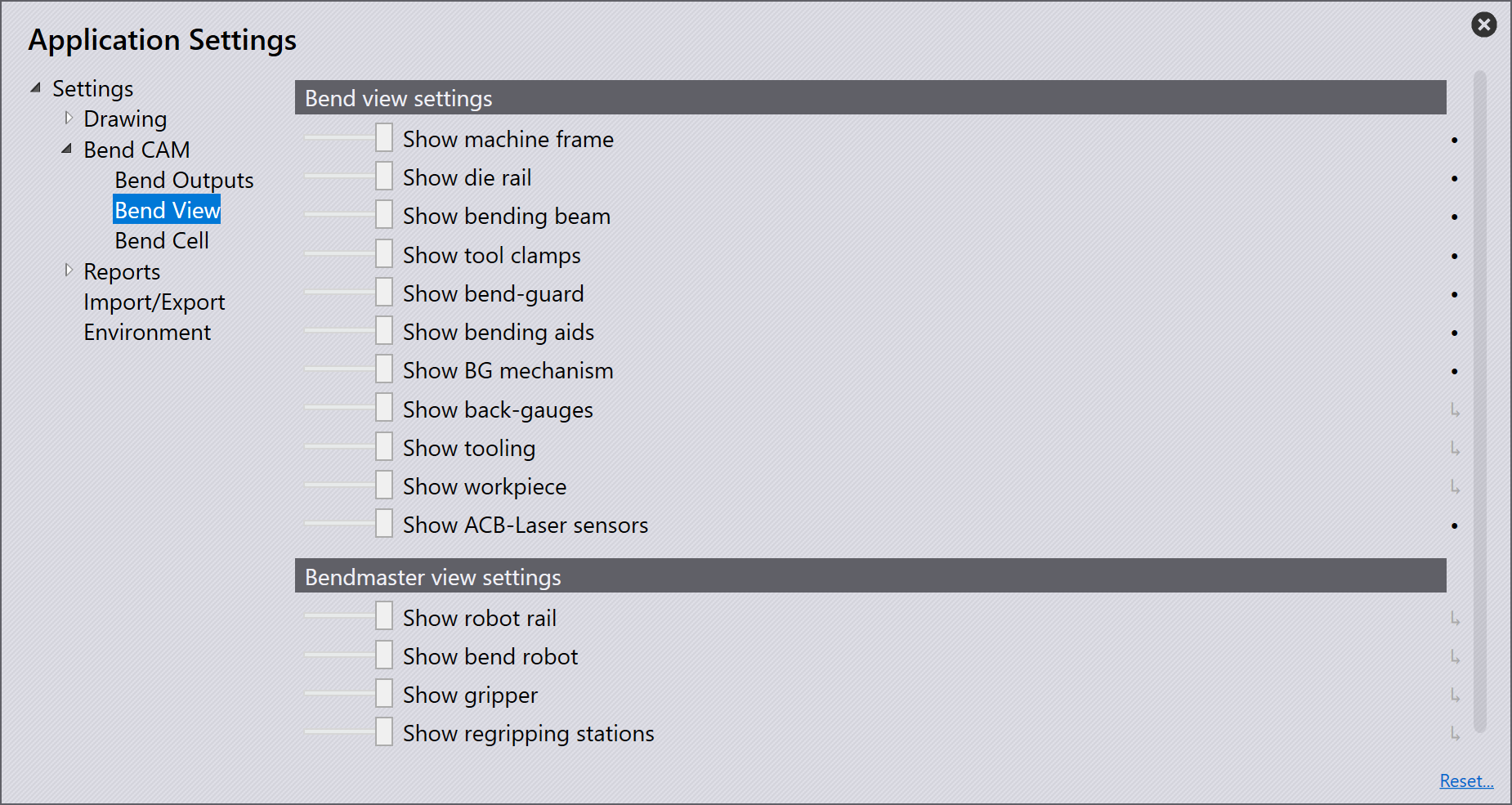
Adjust the slider to the left to completely hide a machine component (or a wire frame view) and to the right to show a complete view. When is slider is in middle position, it shows a greyed out view of the component.
Critical machine components link the tooling, robot gripper and regripping stations cannot be hidden completely, but a wire frame view is shown.
After you the edit the view for a given setup, close the Application Settings window.
You can also edit the view in Display option from the command bar. The number of settings available here depends on the machine type and configuration selected.