Advanced
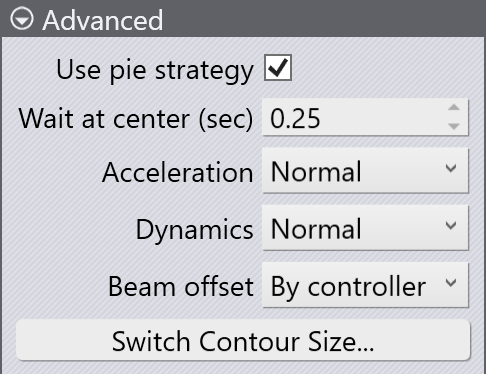
The Advanced section of the Laser Cut panel has the following settings:
-
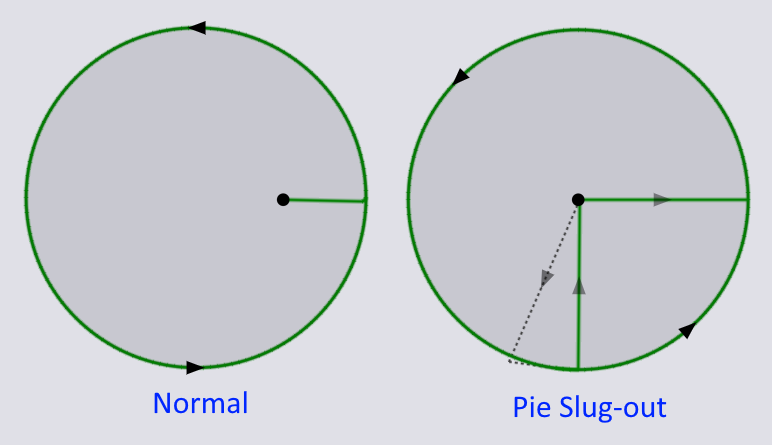
Use pie strategy: This setting is displayed only if we are editing the tooling of a circular hole. For thick sheets small circular holes can easily become wedged in the sheet and not fall out. The pie slugout strategy cuts out a section shaped like a pie-slice out of the circle first to avoid it getting jammed, as you can see from the image below:
-
Wait at center (sec): This setting is used to set up the wait time at the center of the circle (for the slug to fall out) when the pie slugout strategy is used.
-
Acceleration and Dynamics: These settings are used to control the velocity and acceleration of the laser when cutting the contour. Essentially, you are trading off between the speed of cutting, and the quality of cutting. Reduced dynamics will offer better cutting quality than Normal dynamics, for example.
| You can set up the default dynamics for a program. |
-
Beam offset: The cutting path has to be offset from the desired trajectory by half the beam diameter. This setting controls how that is accomplished:
-
By controller: The beam offset is computed by the NC controller on the machine based on the beam diameter specified by the HMI.
-
By software: The beam offset is computed by Flux and output directly into the NC program.
-
None: There is no beam offset used - the center of the beam lies exactly on the cutting path.
-
Switch contour size
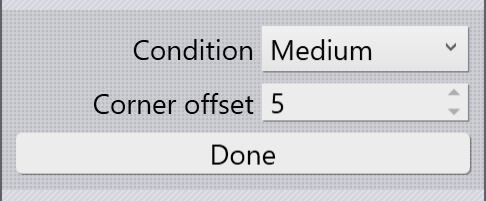
You can change the cutting condition for just a particular section of a laser cut by using the Switch Contour Size button. Clicking this puts the panel into a special mode:
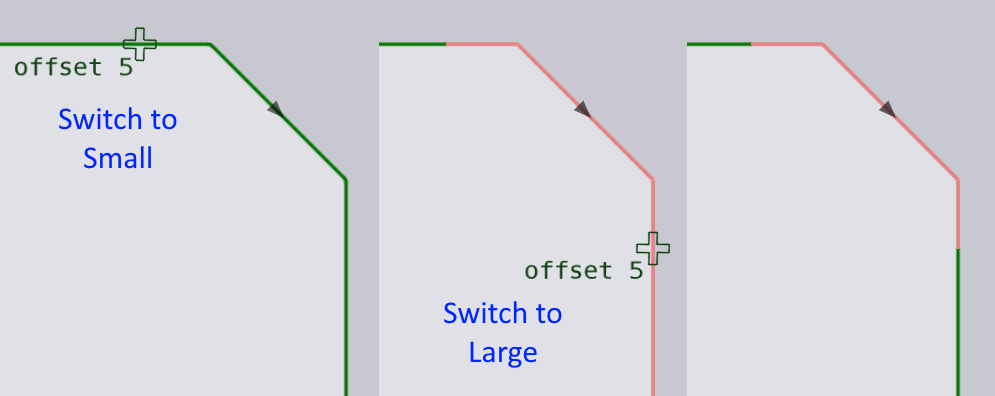
Set up the cutting condition to switch to, and an offset from a corner (to provide a precise snap point), and move the mouse near a corner to switch to the selected condition. The image below shows how this switch operation is used twice to cut only one chamfer with a Small cutting condition: