
Adding setups and stations
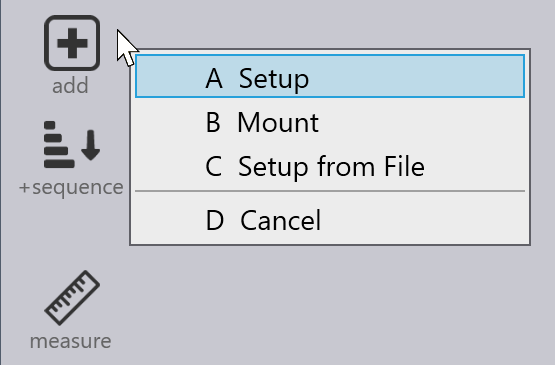
You can add a new Setup to a bend part, or add a new Station to an existing Setup. To do these, click on the Add icon from the toolbar on the left:
-
Setup: Creates a new setup and assigns it to the current bend. The setup is initially empty.
-
Mount: Adds a punch or die mount (or both) to the current setup. If you selected to created both punch and die mounts, the current bend is assigned to the newly created station.
-
Setup from File: Lets you select and import a setup from a .fxbsetup file and assigns that setup for the current bend.
| You can create .fxbsetup files from the Setup panel by clicking on the Save… button there. |